How Long Does It Take to Charge an Electric Car?
Real-world charging times for AC and DC, why the 20–80% window matters so much, and what actually determines charging speed.
The short answer
At our DC fast-charging points (120–240 kW), most EVs go from 20% to 80% in 22–30 minutes. On AC, the same window takes 3 to 8 hours depending on the unit's power.
| Type | Power | 20% → 80% (60 kWh battery) |
|---|---|---|
| AC — domestic socket | 2.3 kW | ~15 hours |
| AC — single phase | 7.4 kW | ~5 hours |
| AC — three phase | 22 kW | ~1.7 hours |
| DC fast | 120–240 kW | 22–30 minutes |
Why does everyone say 20–80%?
Batteries do not charge linearly. When empty they accept high current comfortably; as they fill, the battery management system (BMS) tapers the current. The final 20% can take as long as the first 60%.
On a long trip, unplugging at 80% and driving on is almost always faster than waiting for 100%. You regain the missing range far more quickly at the next stop.
What determines charging speed?
1. The car's maximum accepted power
Even if the station can deliver 120 kW, a car that accepts 50 kW will charge at 50 kW. The lower of the two always sets the pace.
2. State of charge
A session starting at 10% progresses much faster than one starting at 50%.
3. Battery temperature
A cold battery will not accept high current. In winter — especially after the car has been parked for a long time — the first minutes can be slow. Some cars pre-condition the battery when a charging stop is set in the navigation.
4. How busy the station is
Checkpoint DC units have two CCS2 outputs. With a single vehicle charging, up to 240 kW; with two vehicles at once, at least 90 kW per output. This is a design reality of all dual-output DC units.
Practical tips
- On long trips let the battery fall to 10–20% before charging; that is the most efficient window.
- In winter, drive a while before charging to warm the pack.
- For daily use AC is enough; save DC for road trips.
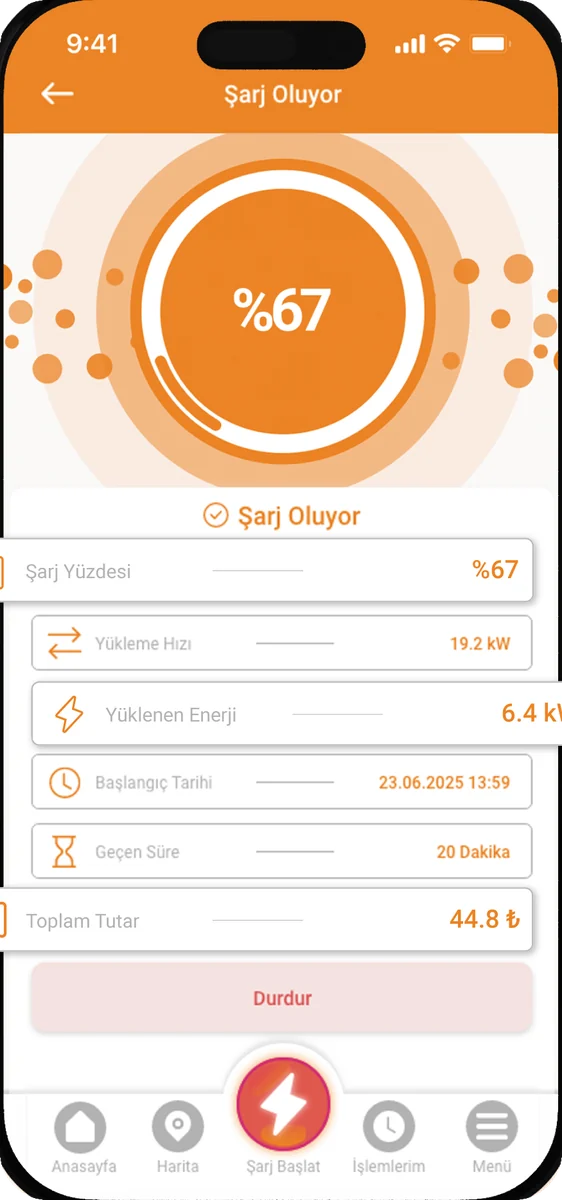
- Watch live power in the app — if it is lower than expected, the cause is usually temperature or state of charge.
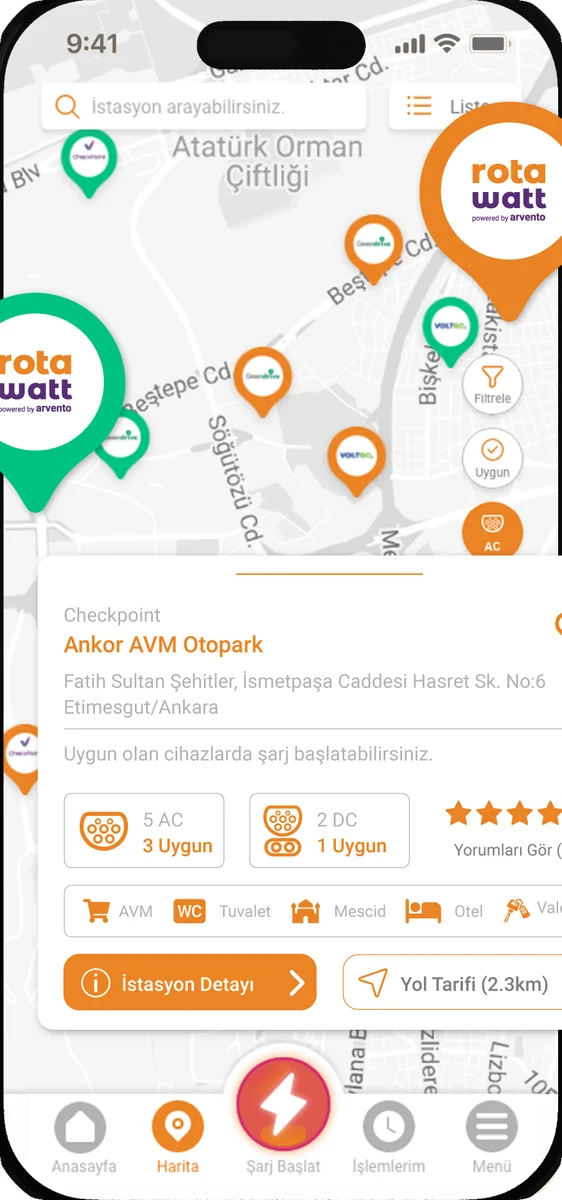
Find your nearest DC fast-charging point on our station map.